 Pixtorium
Open beta · free in your browser
A free Photoshop alternative
Pixtorium does the everyday work you would open Photoshop for: layers, masks, real photo adjustments, retouching and cut-outs, without the bloat and the learning curve. It is free in your browser with no account, it is not a Photoshop clone, and you can ask it for an edit in plain words.
Open the editor Download for Windows, macOS or Linux
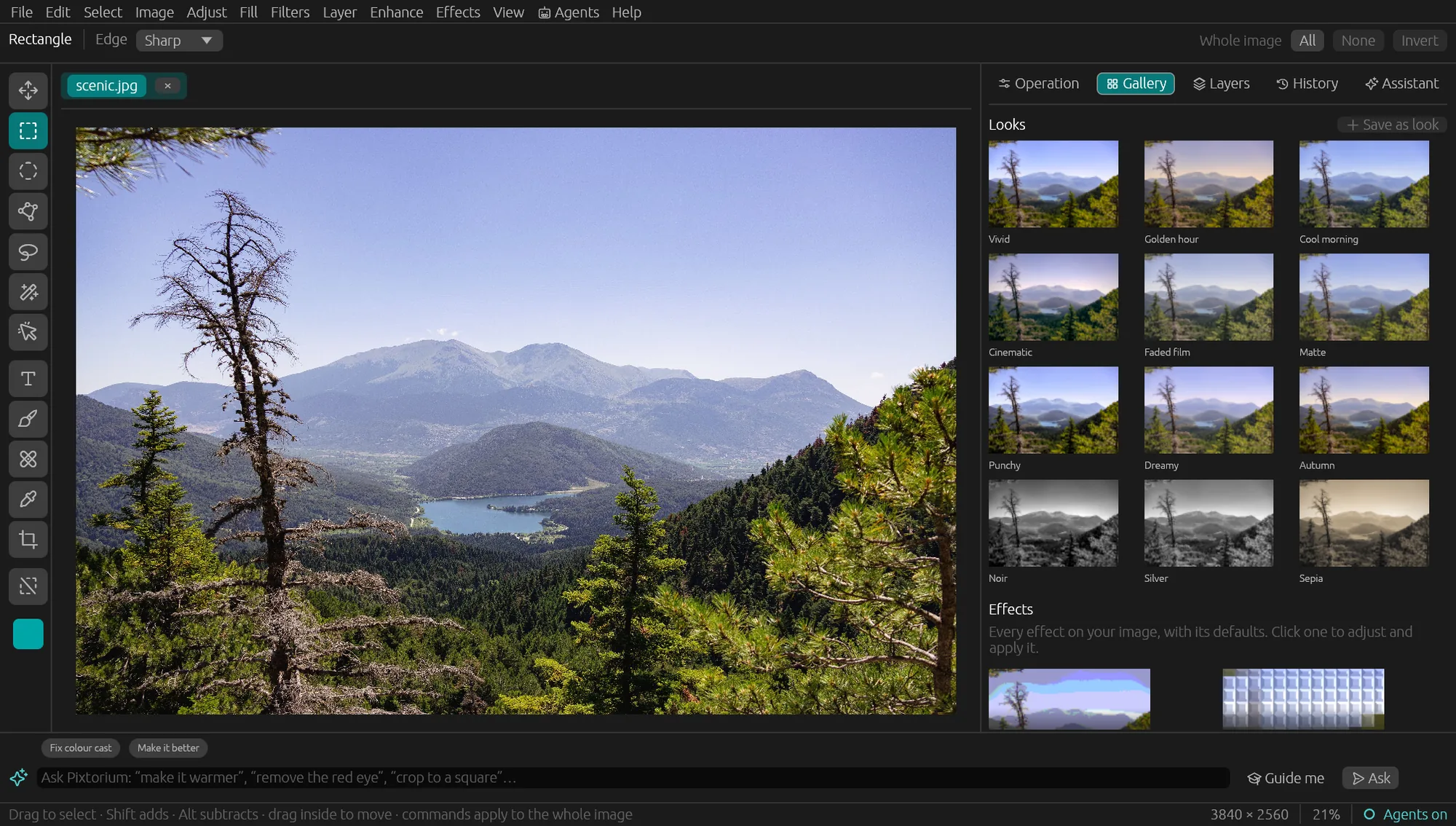
What you get, free
- Pixel, text and adjustment layers with masks, opacity and blend modes.
- Photoshop (PSD) files open with their layers, masks, shapes, fills and layer styles; anything approximated is named.
- Light, Levels, Curves, white balance, clarity, color grading and one-click looks, in a floating-point, linear-light pipeline.
- Retouching: the healing brush, red eye removal, dust and scratch removal.
- A few hundred filters and artistic effects, and you can paint any of them with the brush.
- Every step in History, ready to undo.
How it differs from Photoshop
- No subscription: the web editor is free; the desktop app will be a single purchase.
- No account: open the editor and start; your pictures stay on your computer.
- Ask in plain words, "make it warmer" or "crop to a square", and watch the assistant use the same tools you have.
- Runs on Linux as well as Windows and Mac, and in any modern browser.
Simpler on purpose
Photoshop has grown over decades into a tool you have to study. Pixtorium is not trying to match it feature for feature: it does the work most people open an editor for (photos, cut-outs, creative effects) with nothing to learn first, and when you are not sure how, you just ask.