 Pixtorium
Open beta · free in your browser
An image editor for Linux
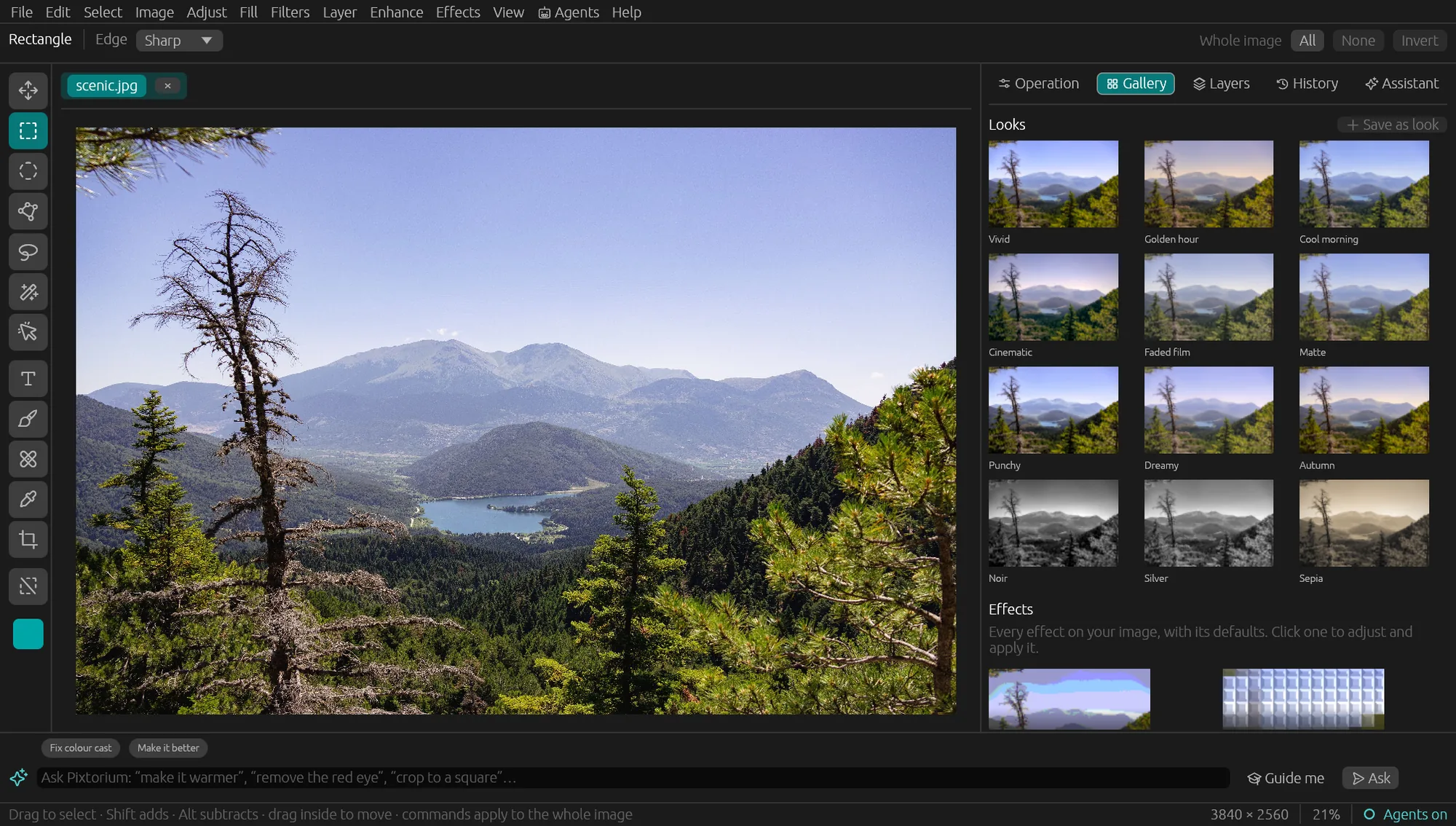
Pixtorium runs natively on Linux, with the same features as on Windows and Mac: layers, real photo adjustments, a few hundred effects, and AI that runs on your own machine. It is not a Photoshop clone; it has a character of its own.
Open the editor Download for Windows, macOS or Linux
Install
- A .deb for Ubuntu 20.04, Debian 11 and later, and an .rpm for Fedora, RHEL 8 and openSUSE (x86-64).
- It installs to /opt/pixtorium, with a menu entry, and pixtorium and pixtorium-mcp on the PATH.
- Or use it in the browser, free, with nothing to install.
What it does
- Layers with masks and blend modes; opens Photoshop (PSD) files with their layers.
- Real photo adjustments and one-click looks.
- On-device AI: remove backgrounds and objects, select subjects, enlarge.
- Ask for edits in plain words, with the built-in model, Ollama, LM Studio or llama.cpp, or your own key.
- An MCP server for AI agents, on 127.0.0.1 only.
Good to know
Pixtorium is proprietary, not open source, and in open beta. The built-in assistant model needs Ubuntu 22.04, Debian 12, Fedora 37 or later; on older systems the assistant can use Ollama or a key.