 Pixtorium
Open beta · free in your browser
Remove a background, offline
Most background removers upload your photo to a server. Pixtorium's desktop app does it on your own computer, with an AI model that never sends anything anywhere: one click, and the subject is cut out on a layer with a mask you can refine.
Open the editor Download for Windows, macOS or Linux
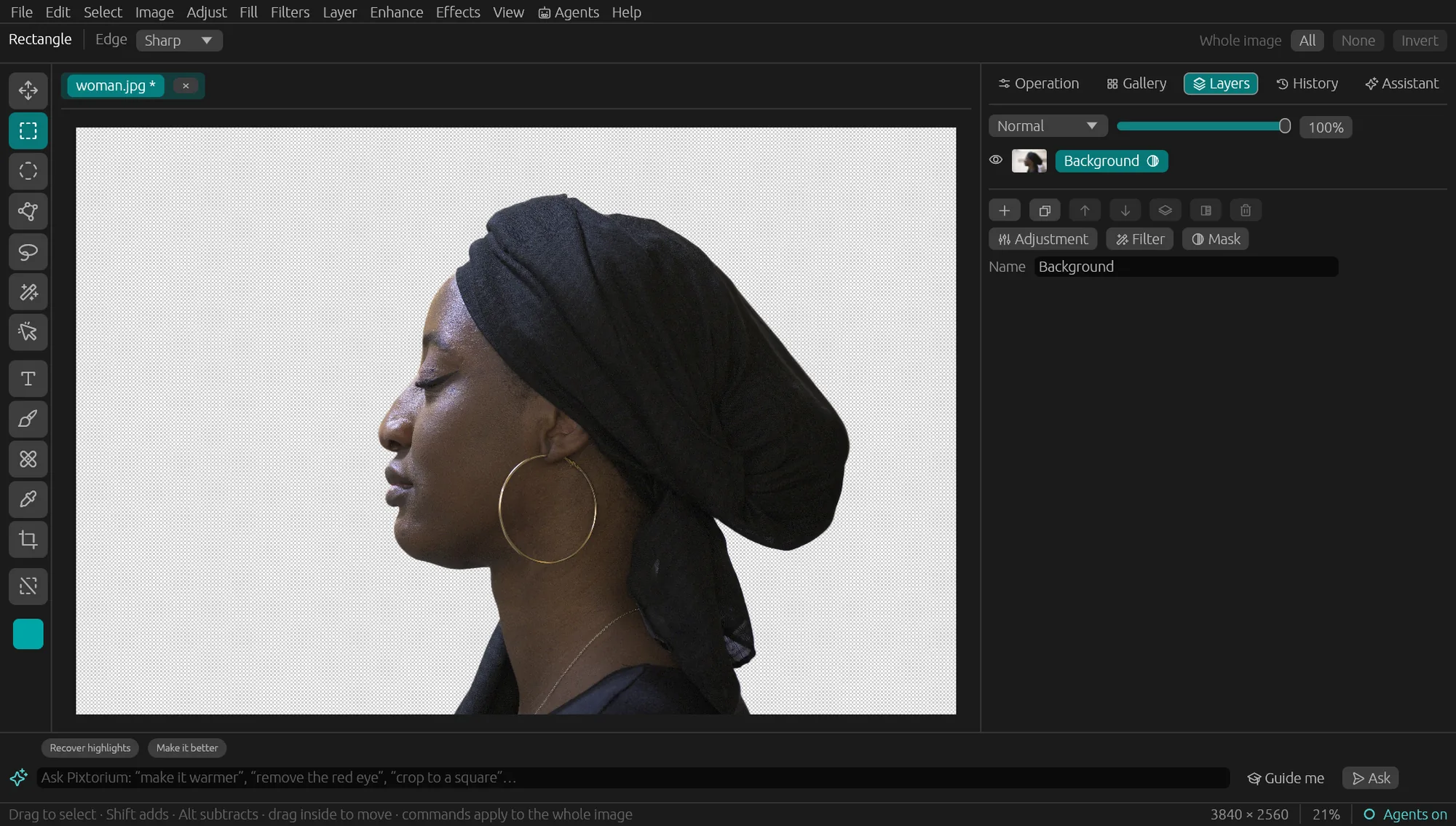
One click, then refine
- Select subject or Remove background finds the subject and cuts it out.
- The result is a layer with a mask: refine the edge with a brush, or bring the background back at any time.
- Export it with a transparent background (PNG), or keep working on it in layers.
More on-device AI
- Remove object: select something, and it is filled in with what was behind it.
- Object selection: click an object and it is selected.
- Lens blur: add depth of field from the scene's depth.
- Enlarge (AI): upscale with sharp detail.
What runs where
These models run in the desktop app (Windows, Mac, Linux); each downloads once, the first time you use it. The browser version has everything else, free, with no account.