 Pixtorium
Open beta · free in your browser
Paint with any effect
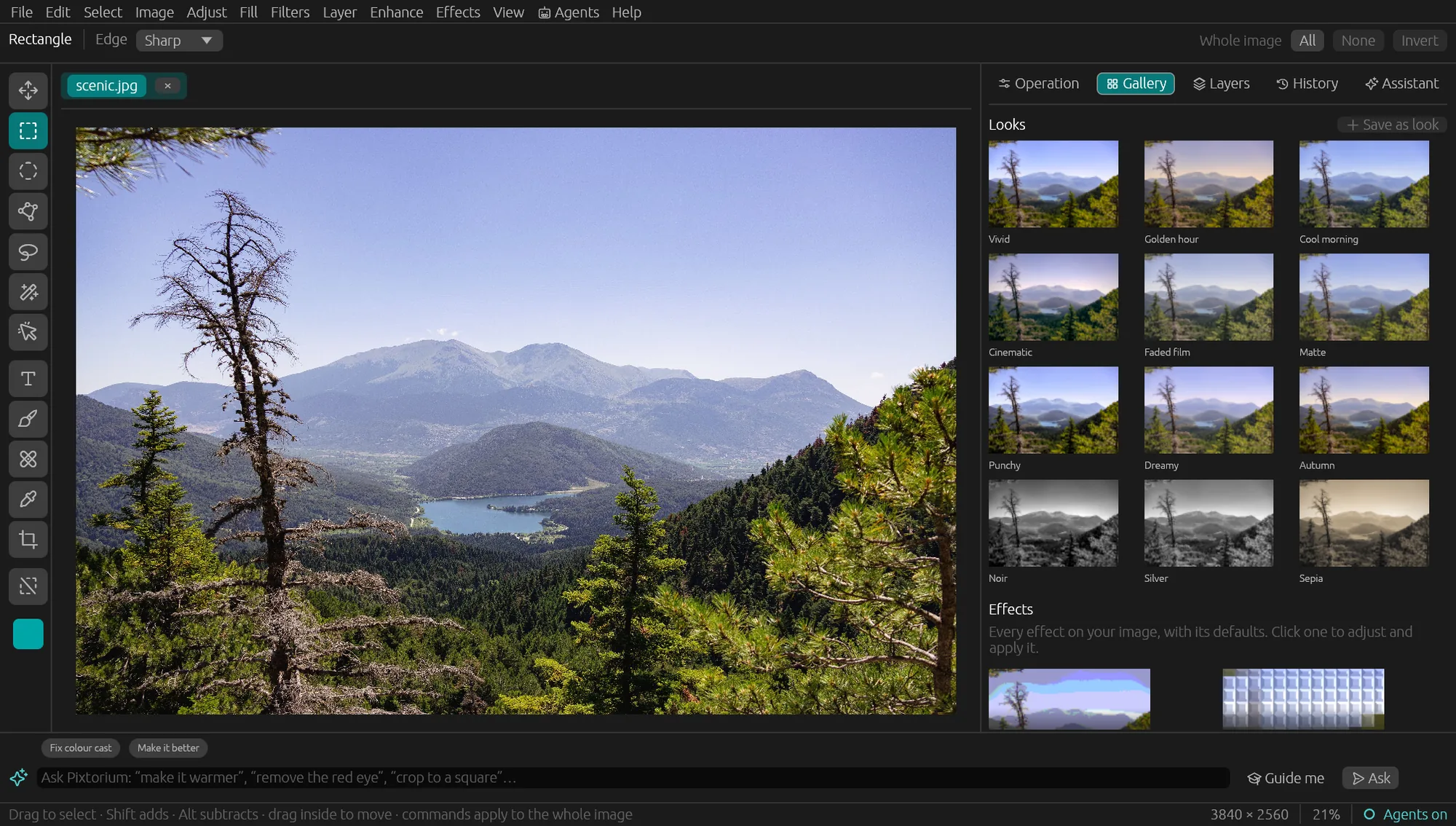
Most editors apply a filter to the whole picture, then make you mask it. In Pixtorium any effect is a brush: choose the Brush, choose a command from the menus, and paint the effect exactly where you want it.
Open the editor Download for Windows, macOS or Linux
What you can paint
- Blur, sharpening, dodge and burn, for retouching by hand.
- Artistic effects: oil paint and gouache that respect the edges, watercolor that bleeds, impressionist and pointillist strokes.
- Distortions: rain on glass, swirls, pond ripples, reflections.
- Textures and tiles: mosaic, craquelure, slate.
- Color: any adjustment or look, a stroke at a time.
How it works
Pick the Brush tool, then pick any command from Adjust, Filters, Enhance or Effects. The command's settings open in the panel; the brush paints its result onto the picture, with the size, hardness and strength you set. Every stroke can be undone.
Where it comes from
Painting with effects goes back to the creative editors of the 90s, which Pixtorium is rooted in. It is rebuilt here for today's screens and pictures, alongside layers and real photo adjustments.